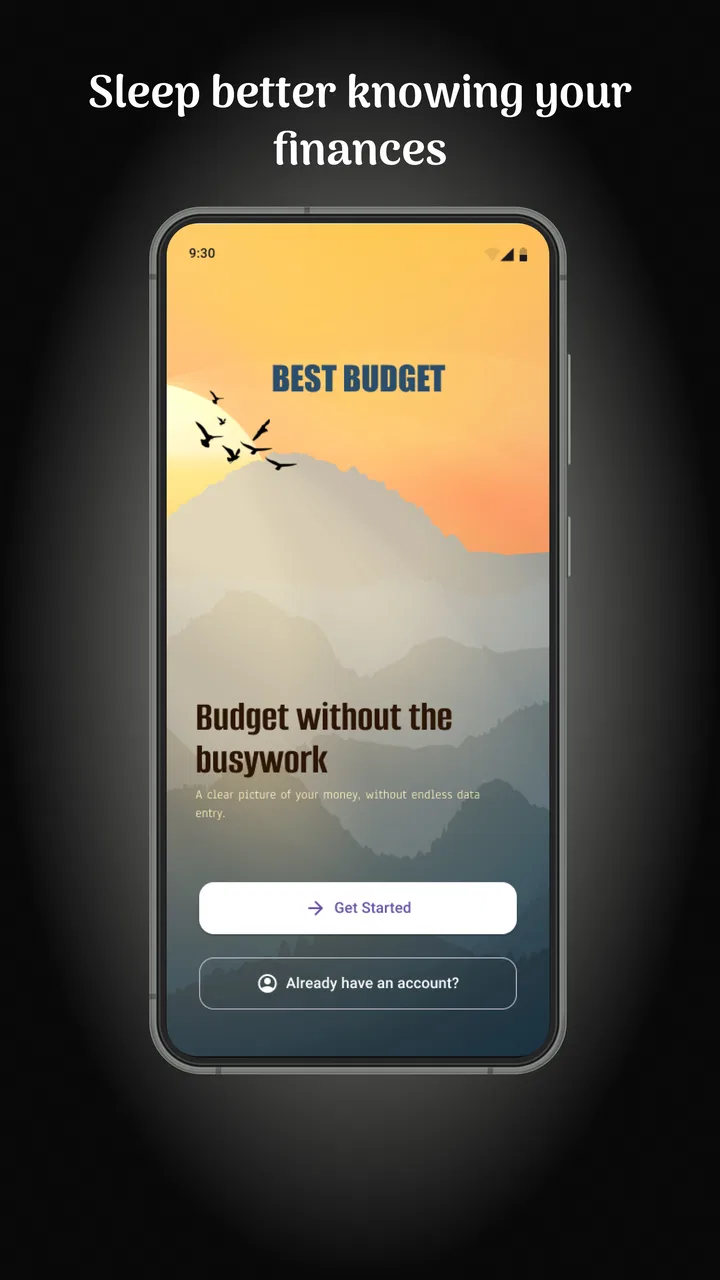
Best Budget
- 0.0
- Rating
- 10.00K
- Installs
- Free
- Price

 Analysis by App-foxy
Managing money usually fails for an unglamorous reason: the system becomes too annoying to maintain. Best Budget, a finance app from CREXIN Technologies, takes a more practical route by putting spending records, budgets, debt reduction, and savings goals in the same place. I found its appeal strongest when I treated it as a small daily habit rather than a one-time financial makeover.
It is free to install, aimed at Everyone, and available for Android devices running version 8.0 or later. The app was released on March 9, 2026, and version 2.1.4 is the current release. Its store presence is still relatively modest, with over 10 thousand installs, but that does not automatically make it a poor choice. The more important question is whether it remains useful after the first enthusiastic week.
Why the first week feels useful
The opening experience makes sense for someone who wants a clearer view of everyday money without immediately committing to a complicated financial platform. I would begin by recording regular income, recurring bills, flexible spending, debts, and savings intentions. That first pass is valuable because it turns vague concern into visible categories. Seeing several small purchases grouped together can be more revealing than checking a bank balance.
You May Also Like

 Pandora - Music & Podcasts
Pandora’s Music Is Easy to Start, but Harder to Recover
Pandora’s strength is its low-effort path from a seed to a station. Its weak spot is how much confidence it asks you to place in connection, setup, and quiet recovery.

 AccuWeather: Weather Radar
AccuWeather Review: A Quick, Clear Forecast for Everyday Decisions
For everyday plans, the best forecast is the one you can understand quickly. AccuWeather makes rain timing, radar, and local conditions easy to act on, with a few trade-offs.

 Hill Climb Racing
Why Hill Climb Racing Still Turns Crashes Into One More Run
A tiny car, a bumpy hill and one more upgrade: Hill Climb Racing keeps resurfacing because its simple chaos makes every near-miss feel personal.

 AliExpress - Shopping App
AliExpress Makes Global Shopping Feel Personal, but Shoppers Bear the Risk
AliExpress turns a global marketplace into a pocket-sized discovery engine. Its reach is useful, its shopping loop compelling, and its trade-offs easy to miss.

 Lords Mobile: Kingdom Wars
Lords Mobile Is a Kingdom-Building Routine, Not a Quick Match
A case-by-case verdict on the building, battles, device demands, and social commitments that make Lords Mobile rewarding for some players and exhausting for others.

 PDF Scanner app - TapScanner
TapScanner Makes Paperwork Easier to Capture, Check, and Share
TapScanner makes scanning with a phone feel less like a rescue operation and more like a dependable step in getting work done. Its capture tools are useful, though not flawless.
More From Our News Desk
View All News


The most useful early workflow is to create a budget before trying to optimize it. I would set realistic limits for groceries, transport, eating out, subscriptions, and personal spending, then leave enough room for irregular costs. A budget that is too strict becomes discouraging within days. Best Budget works better when the first version reflects real behavior, including the occasional unplanned expense.
Its focus is broader than a simple expense notebook. The combination of spending tracking, budgeting, debt management, and savings planning gives the app a clear purpose: connect today's choices with a longer financial goal. That connection is especially helpful for someone paying down a credit balance while also trying to build a small emergency reserve. Instead of treating debt and savings as unrelated tasks, I can view them as competing priorities inside one routine.
A realistic first-week scenario would be a person paid near the end of the month who often feels short of cash before the next payday. I would enter fixed bills first, assign a working limit to variable expenses, and record purchases as they happen. After several days, the remaining amount becomes more meaningful than the original account balance because it reflects what is already committed. This is where the app can create an early sense of control without promising instant financial improvement.
I also like the possibility of using the app as a decision checkpoint rather than merely an archive. Before ordering takeout, I can check whether that category still has room. Before making an extra debt payment, I can see whether the month has enough flexibility left. That small pause is more valuable than a beautifully organized history that never affects a choice.
What makes the setup worthwhile
The first non-obvious lesson is that the best starting point is not a perfect category structure. It is a short list that I will actually update. If I create too many narrow labels, every transaction becomes a classification problem. Broad categories are easier to maintain at first; I can refine them later only when a recurring pattern matters to a decision.
A second useful approach is to separate predictable commitments from adjustable habits. Rent, utilities, and minimum debt payments should not compete for attention with coffee or entertainment. When those groups are mixed together, a budget can look healthy until a fixed bill arrives. Keeping the distinction clear helps me understand which expenses can be changed and which simply need to be planned for.
The free price lowers the barrier to trying this method. However, in-app purchases range from six dollars to ninety-six dollars per item, so I would pay attention to any optional upgrade screen before accepting it. The free starting point is attractive, but anyone who wants to keep costs tightly controlled should decide in advance whether extra spending on a finance tool fits the purpose of their budget.
Whether it earns a place month after month
The first week is easy because motivation is fresh. The real test arrives when the novelty disappears. Best Budget has lasting value only if recording an expense takes less effort than ignoring one. I would use it most consistently at two moments: immediately after a purchase when practical, and during a short weekly review when immediate entry was not possible.
That weekly review is the app's likely long-term center of gravity. I would compare planned amounts with actual spending, identify categories that are drifting, and adjust the next few days rather than punishing myself for the previous ones. This makes budgeting a feedback loop. The goal is not to produce a spotless month; it is to notice problems early enough to respond.
For debt, I would use the app as a visibility tool. A debt plan becomes easier to follow when the payment is treated as a scheduled priority instead of whatever money happens to remain. At the same time, I would avoid directing every spare amount toward repayment if that leaves no cushion for routine surprises. The practical trade-off is important: an aggressive plan that repeatedly collapses can be less effective than a slightly slower plan I can maintain.
Savings tracking benefits from the same discipline. I would create a target tied to a concrete purpose, such as a repair fund or an upcoming annual bill, then make progress visible through regular contributions. The app cannot make the contribution happen by itself; its role is to keep the intention from disappearing among daily purchases. That distinction matters. It supports behavior, but it does not replace a bank transfer or an income change.
For couples or households, I would be cautious about assuming that one personal budgeting app will automatically solve shared-finance problems. Best Budget may still help one person coordinate their side of the household plan, but a couple with complex accounts, shared transactions, or separate financial responsibilities may prefer a tool designed specifically for collaboration. The simpler the household arrangement, the more naturally this app fits.
The maintenance routine I would actually use
I would keep the routine deliberately small. Each day, I would record unusual purchases and avoid spending time polishing entries that do not change a decision. Once a week, I would check the categories most likely to drift. At the end of the month, I would carry forward lessons rather than blindly copying every limit.
One practical technique is to review transactions in reverse order during the weekly check. Recent purchases are easier to remember, while older ones are more likely to be forgotten or misclassified. I would also look for repeated small charges before reviewing large one-off expenses. Large purchases are obvious; recurring minor spending is where a budget often quietly loses accuracy.
Another useful trade-off is deciding when not to update the budget. If I am traveling, dealing with an emergency, or handling a complicated shared payment, postponing a detailed classification can be sensible. I would note the transaction simply and clean it up later. A system that demands perfect attention during stressful days is likely to be abandoned, so flexibility is part of long-term accuracy.
The app is best for people who want active control and are willing to enter information themselves. It is less convincing for someone who expects a completely automatic financial dashboard. Before choosing it, I would ask whether I enjoy reviewing my own spending or whether manual tracking itself is the main obstacle. If the latter is true, a service built around automatic account connections may be a better fit, even if it offers less deliberate reflection.
Where fatigue starts to appear
Manual budgeting has a built-in weakness: every missed entry reduces trust in the picture. One forgotten purchase might not matter, but several can make the remaining category balance misleading. This is not a flaw unique to Best Budget, yet it is central to the experience. The app can organize information, but I still have to supply enough of it for the conclusions to be useful.
There is also a psychological burden in checking money too often. Someone already anxious about finances may turn every purchase into a small judgment. I would avoid opening the app after every minor transaction if that creates stress. A scheduled review can be healthier than constant monitoring, especially once the main spending patterns are understood.
Another source of fatigue is over-customization. It can be tempting to create a separate category for every interest, store, or type of purchase. That level of detail may feel productive during setup, but it increases the number of decisions required later. I would only add a category when it answers a question I genuinely need answered, such as how much a recurring habit costs or whether a particular obligation is growing.
The app's broader scope can also create competing priorities. Tracking spending, building savings, and reducing debt are all useful, but trying to optimize them simultaneously can make the plan feel crowded. I would choose one primary target for the next month and keep the others visible without demanding equal progress. For example, debt repayment could lead while savings receives a small automatic contribution and spending categories remain stable.
Users should also consider the cost of optional purchases. A free finance app is appealing because the tool is supposed to help control expenses, but in-app items priced between six dollars and ninety-six dollars can change that calculation. I would not buy an upgrade merely because it appears during an enthusiastic setup session. I would first use the basic workflow long enough to identify a real limitation, then decide whether paying solves that specific problem.
Compared with a spreadsheet, Best Budget should feel more approachable for someone who wants a dedicated place to check money without designing formulas and layouts. A spreadsheet remains stronger for people who enjoy custom calculations, detailed forecasting, or unusual household structures. Compared with a plain notes app, this finance tool gives the task a clearer framework, while notes may be faster for someone who only wants a rough running list.
Compared with bank-provided spending summaries, the main difference is intention. A bank view often tells me where money went after the fact. A budgeting app asks me to decide where money should go before the month unfolds. I would choose Best Budget when planning and behavior change matter more than passive observation. I would choose an automated financial service when reducing manual entry is the overriding priority.
Who will keep using it
I think the strongest audience is a beginner who wants one manageable place to establish financial habits. It also suits someone with uneven discretionary spending who needs category limits, or a person working toward a debt or savings objective and looking for regular accountability. The free entry point makes experimentation less risky, while the Everyone rating keeps the app accessible to a broad audience.
I would skip it if I need advanced investment analysis, detailed tax preparation, business accounting, or a highly automated multi-account system. Those needs go beyond the app's clear focus on everyday budgeting and personal financial organization. I would also skip it if I know I will not record transactions or review the plan. No interface can compensate for a workflow that conflicts with my habits.
For a teenager or first-time budgeter, the straightforward concept may be useful, but I would still begin with a simple plan and avoid turning the app into a source of shame. The purpose should be learning how money moves, not achieving a perfect score. For an experienced user, it may work as a lighter companion to a more advanced system, but probably not as a full replacement for specialized financial software.
My long-term verdict
After the first-week appeal fades, Best Budget earns its space only through repetition. Its value is not that it makes budgeting exciting; it is that it can make financial decisions visible enough to repeat. The combined focus on spending, budgets, debt, and savings gives me a coherent routine, provided I keep the setup modest and review it consistently.
CREXIN Technologies has positioned this as a practical finance app rather than an elaborate financial command center. That is both its strength and its boundary. I would recommend it to a friend who wants to stop guessing where their money goes, prefers an intentional budgeting habit, and is comfortable doing some of the tracking work personally.
I would tell that friend to start with a few meaningful categories, choose one main goal, and use the first month to learn rather than judge. Wait before paying for optional items, and compare the weekly effort with the benefit it creates. If the routine produces clearer choices, the app has lasting value. If entering transactions becomes another task I continually postpone, an automated alternative will be the more honest choice.
With over 10 thousand installs, version 2.1.4, and a free starting price, Best Budget is easy to try without making a major commitment. Its lasting appeal depends less on novelty than on whether its structure fits my real life. For me, the strongest recommendation is simple: use it as a weekly decision tool, not as a financial diary that demands perfection. That is the point at which Best Budget becomes useful beyond its first enthusiastic week.
FAQs for Best Budget
01What is Best Budget, and what can I use it for?
Best Budget is a personal finance app designed to help you organize income, expenses, bills, and savings goals in one place. After reviewing its main features, it appears most useful for people who want a clearer overview of daily spending and monthly cash flow. You can use it to create budget categories, monitor transactions, and identify areas where you may be overspending.
02Is Best Budget suitable for beginners in personal finance?
Yes, Best Budget is generally suitable for beginners because its main purpose is to simplify budgeting rather than provide advanced investment analysis. New users can start by entering their income and recurring expenses, then gradually add categories and savings targets. However, the usefulness of the app depends on keeping information updated consistently, so occasional manual organization may still be required.
03Does Best Budget connect directly to bank accounts?
Bank-account connectivity can vary depending on the version of Best Budget, the user’s region, and the platforms or financial institutions supported by the app. Before downloading, check the current store listing and privacy information to confirm whether automatic synchronization is available. If it is not supported, you may need to enter transactions manually, which offers more control but requires additional effort.
04Is my financial information safe when using Best Budget?
Before adding sensitive financial details, users should review Best Budget’s privacy policy, permissions, and data-storage practices. If the app supports bank synchronization, confirm how credentials and transaction data are handled and whether third-party financial services are involved. Avoid entering unnecessary information, use a strong device password, and download only the official version from a trusted Android or iOS store.
05Is Best Budget free, or does it include paid features?
Best Budget’s pricing and available features may differ according to the operating system, country, and current app version. Some budgeting tools may be available for free, while advanced functions could require a subscription or one-time purchase. We recommend checking the official store page before installing, especially if you need unlimited categories, cloud synchronization, reports, ad-free use, or premium planning features.
Pros
- Simple interface makes tracking spending quick and approachable.
- Useful for monitoring expenses against a personal budget.
- Helps organize transactions into clear spending categories.
- Can encourage better saving habits through regular financial reviews.
- Suitable for users seeking a lightweight personal finance tool.
Cons
- May lack advanced investment and portfolio management features.
- Manual transaction entry can become tedious for frequent purchases.
- Budget insights depend heavily on accurate and consistent data.
- Limited customization may not suit complex household finances.
- Users should review privacy settings before adding sensitive financial details.

Best Budget
Gallery